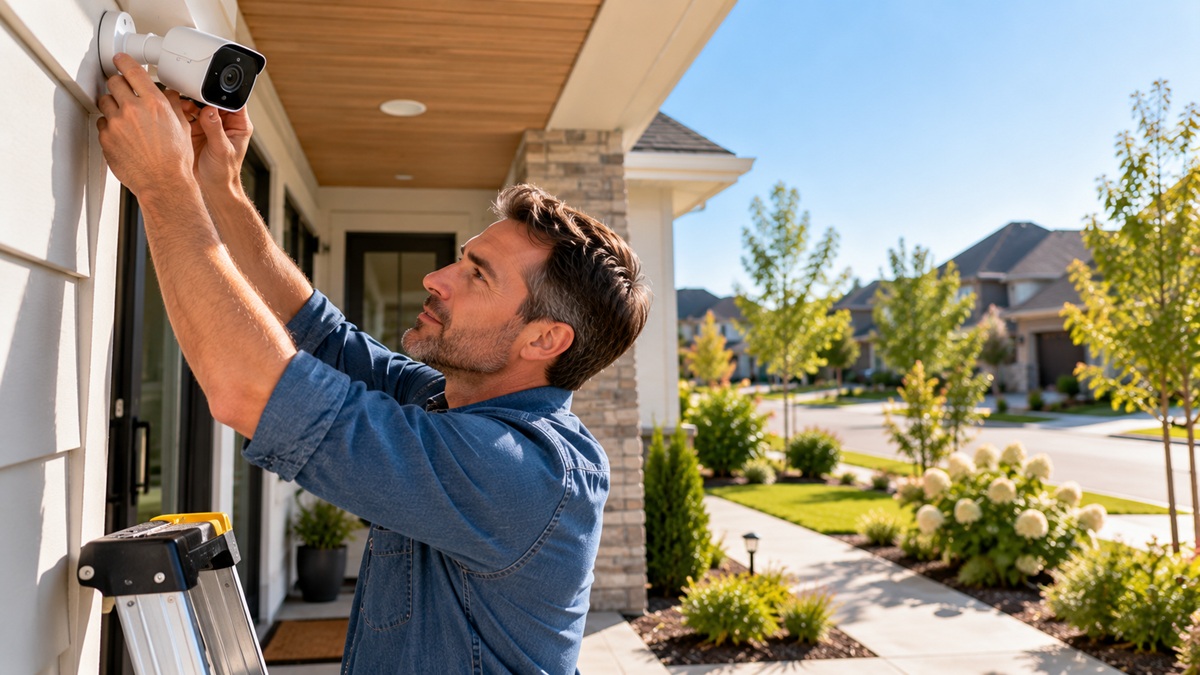
You recently bought a high-quality security camera and spent hours setting up the app and placing your camera to watch over your property and protect your home. But your security camera is recording everything except what actually matters. Many homeowners make critical security camera placement mistakes that leave their homes completely exposed. The camera records hours of useless video, such as trees moving in the wind, cars, and bright light hitting the lens, but it records zero usable footage when a real security event occurs.
The camera placement should be as smart as the camera itself. If a burglar can easily avoid its line of sight, rip it off the wall, or blind it with a flashlight, your investment is useless. In this guide, we will expose the 10 most common security camera placement mistakes homeowners make. We have listed the top 10 security camera placement mistakes and real fixes for each one, so you know how to correct your current placement, eliminate camera blind spots, and truly protect your home.
Mistakes 1-3: Height and Angle Errors
Knowing where to place security cameras is as important as the camera itself. Clear footage can be hard to see and use if it isn’t filmed at the right height or viewing angle. To ensure you can see faces, entrances, and activity, avoid the following mistake.
Mistake 1: Mounting the Camera Too High (Above 12 Feet)
-
The Problem: Placing the camera too high may seem like a good way to protect it from tampering. But a camera more than 12 feet high can create a high-angle, bird’s-eye perspective. It can show the top of a person’s head, hairline, and shoulders instead of a recognizable face. This can make vital footage much less useful when you need to identify someone. A high camera can also make it difficult to see activity near walls, doors, and other entry points.
-
How to Fix: For standard outdoor security cameras, the ideal mounting height is roughly 8 to 10 feet above the ground. This makes the camera harder to reach while still offering a better view of faces. Before permanently mounting it, consider the installation angle to ensure the entrance and surrounding area remain visible.
Mistake 2: Mounting too low (less than 7 feet)
-
The Problem: If the camera is under 7 feet, it can be easily reached. The lens may be covered, the camera may be turned over, it may be damaged, or it may be removed. The bottom angle can also create an unflattering perspective, which is not ideal for capturing faces.
-
How to Fix: Most exterior cameras should be between 8 and 10 feet above the ground. It may be better to place it lower, around 7-8 feet, for some indoor spaces or special entrances, but not where it can be easily interfered with. If possible, you can use another camera to provide a broader view of the area.
Mistake 3: Steep Downward or Flat Angles
-
The problem: If the camera shoots too low, it may capture heads instead of faces. Conversely, pointing too horizontally might miss activity close to the ground and may be more likely to distort in sunlight.
-
How to Fix: When it comes to general perimeter and yard coverage, a moderate downward tilt, about 30 to 45 degrees from the horizontal, is ideal. Change the angle to keep the most important areas in the middle of the frame. To capture the license plate, lower the cameras to about 4-6 feet and align them horizontally with the entry lane rather than tilting them down from above.
Mistakes 4-5: Fighting the Light
No matter how good the camera is, it can produce bad photos when sunlight, porch light, headlights, or reflection enters the camera’s lens directly.
Mistake 4: Ignoring Backlighting (The Silhouette Effect)
-
The Problem: Backlighting occurs when a bright light source sits behind the person or object you are trying to photograph. The camera may compensate for the extremely bright background, leaving the person’s face dark and hard to see. This often happens when the camera faces a glass door or window.
-
How to Fix: If possible, set the camera so the main light source is behind the camera, not behind the subject. This lets the light illuminate a person’s face rather than shining directly into the lens. If you have to point the camera toward a bright area, use a camera with Wide Dynamic Range (WDR) or High Dynamic Range (HDR). These features can help balance very bright and dark parts of the image.
Mistake 5: Glare and Reflections (Reflections & Direct Beams)
-
The Problem: Glare can come from direct sunlight, headlights, reflective walls, gutters, or nearby surfaces. Infrared (IR) illumination may also reflect into the lens at night, producing a bright, washed-out image. A common example is mounting a night vision camera behind a window. The IR light may reflect off the glass and back into the camera lens, making it nearly impossible to see outside.
-
How to Fix: Do not use an IR night-vision camera through a window. If you can’t install the camera indoors, turn off the camera’s IR illumination and use appropriate outdoor lighting. Make sure the camera is far enough from nearby walls or ceilings. Bright objects in the corners of the frame can reflect IR light and cause overexposure. A camera with an adjustable sunshield can also help minimize direct sunlight and other unwanted light sources in the lens.
Mistakes 6-8: Coverage Gaps Burglars Love
When setting up security cameras, homeowners often miss common patterns and leave unsafe gaps. Experienced burglars look for these exact blind spots to sneak inside without being seen.
Mistake 6: The Doorbell-Only Trap
-
The Problem: A video doorbell is great for watching people coming or going for deliveries, but doorbell cameras have limitations. The front-facing camera may not see the whole door. A person approaching from the side might not be detected.
-
How to Fix: Connect the doorbell with another camera mounted high above the door or porch area. Multiple perspectives provide wider coverage and reduce side blind spots.
Mistake 7: Neglecting Driveways and First-Floor Windows
-
The Problem: Front-door cameras may miss blind spots. They can miss intruders approaching through less visible areas such as side paths, driveways, and first-floor windows, especially when landscaping or fences block the view.
-
How to Fix: Increase security coverage by placing exterior cameras at corners and near first-floor windows to monitor driveways, side walls, and the perimeter.
Mistake 8: Ignoring License Plate Capture Limitations
-
The Problem: Pointing a standard security camera at the street does not guarantee it will capture the license plate, especially at night. Headlights, varying exposure, distance, and movement can blur plates.
-
How to Fix: Use a dedicated license plate recognition (LPR) camera with infrared light that offers fast shutter speed to capture clear plates. Mount it around 3-5 feet high, facing the path of vehicles, and follow the manufacturer’s angle guideline.
Mistakes 9-10: Wi-Fi Fringe and Cuttable Wiring
Even the most expensive camera will fail if it cannot transmit data or if a burglar can easily turn it off. Here is how to identify the final two critical placement mistakes.
Mistake 9: Wi-Fi Fringe Placement
-
The Problem: Wireless cameras require a stable Wi-Fi connection to monitor or stream video continuously. A camera placed on the outer edge or fringe of the router’s reach will experience severe performance issues. A weak connection will cause video freezing, pixelation, and camera disconnection while draining battery power.
-
How to Fix: Test the Wi-Fi signal at the exact spot you wish to mount the camera before drilling holes. Don’t rely only on the signal strength near the router. If available, check the connection from the proposed mounting position using the camera’s companion app. If the signal is weak, try an outdoor location or a well-placed Wi-Fi mesh network. If the property is large, plan wireless coverage before installing multiple cameras.
Mistake 10: Cuttable and Exposed Wiring
-
The Problem: Exposed cables can be damaged, cut, or disconnected. Outdoor wiring can also break down when it is constantly exposed to sun, rain, and temperature fluctuations. Poorly protected connections can lead to corrosion, electrical issues, or equipment failure if water enters the connection.
-
How to Fix: Ensure that camera wiring is kept out of easy reach as much as possible. Run cables in soffits, attics, walls, or other safe locations. If runs are exposed, use appropriate protective conduit and secure the cables appropriately. Before installing, consult the manufacturer’s specifications for the cable’s protection and weather resistance.
A Quick Word on Privacy and the Law
A camera can protect your property but can also raise privacy issues if it captures areas that are not yours. Facing a camera into a neighbor’s private space, bedroom window, or other place where privacy is reasonably expected can cause legal and personal problems. Recording rules and privacy laws for cameras differ by location and media type. Homeowners should aim lenses at their own property and check local rules before setting up cameras.
How the Pros Map Coverage Before Mounting Anything
Many installation issues happen because homeowners start drilling before they know what they want each camera to monitor. This can create overlapping views and significant blind spots. Start by labeling all significant access points, such as entrances, driveways, garages, side paths, gates, etc., to determine which camera will be used for each area. Before placing a camera, check for any obstructions like trees, walls, roof edges, vehicles, etc. Check each camera’s field of view before mounting it permanently. Walk through the area at different times of day and review the video. Check if the faces are visible and there is no glare.
FAQs:
1. Where should home security cameras be placed?
Place cameras at the front door, back door, and first-floor window. Position them 8 to 10 feet off the ground to prevent tampering while still capturing the area.
2. What are the most-missed blind spots?
Homeowners often miss basement windows, garages, side yards, and second-story access points. To avoid blind spots in key areas, let the cameras overlap slightly.
3. Can my camera legally face the street or a neighbor?
Yes, you can legally record public streets and sidewalks. You can also capture a neighboring property, as long as it only covers areas visible from public view and doesn’t peek into private spaces.
4. Should cameras be visible or hidden?
Keep them visible. Highly visible cameras act as an active visual deterrent to burglars. You can hide a backup camera to catch anyone attempting to vandalize the main one.
5. How many cameras does an average home need?
On average, a home needs 3-5 cameras. This typically includes one doorbell camera, two outdoor cameras along the perimeter, and one or two indoor cameras in main hallways.
Kinkade Home – Professional Security Camera Installation to Safeguard Your Property
Our list of camera placement mistakes will help homeowners determine whether their setup is correct. By avoiding these 10 placement pitfalls, you can improve your picture quality, reduce blind spots, increase security, and protect your property. If you want zero blind spots, Kinkade Home can help. Most people don’t know how to calculate camera angles or lens focal length to avoid blind spots. We solve this problem by professionally installing high-definition security cameras. Our team designs a custom surveillance layout around your home and installs cameras in areas vulnerable to a break-in. Contact us or schedule a free consultation today to see how we can help keep your family and property safe.