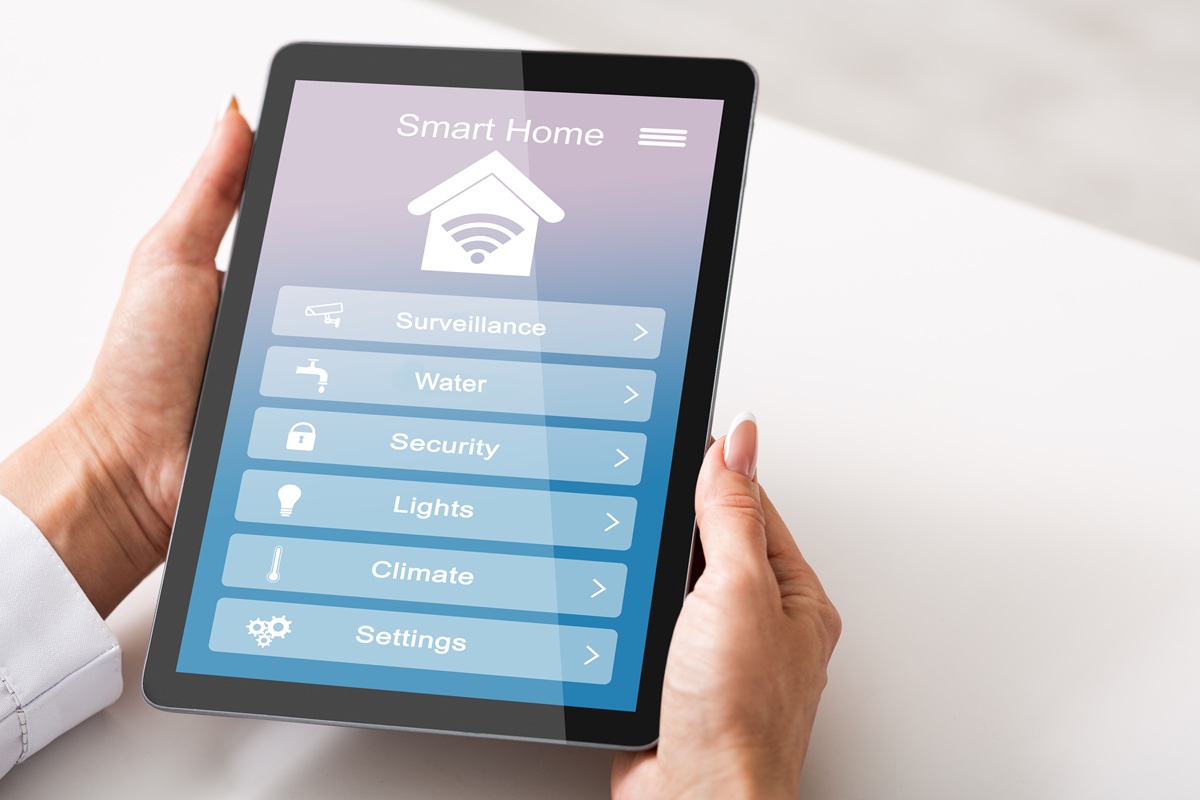
At Kinkade Home, we recognize that a smart home automation system isn’t just luxury anymore; it’s a standard of living. These automation systems streamline a significant portion of your lifestyle. From personalized lighting, controlled temperature, enhanced security, and tailored entertainment, there’s a lot you can do using these modern gadget-based systems. Despite their wide popularity, many people remain unaware of what this modern-day innovation can do. Today’s guide covers everything beginners need to know about smart home automation. We’ll cover all the essentials you need to grasp as a beginner before advancing toward transforming your home into an automated, innovation-led environment. We’ll also discuss how we at Kinkade Home provide the best services for home automation Kansas City.
Essential Smart Home Concepts
From a mere concept to an ideal reality, smart home automation systems have come a long way. But before we proceed to explore the possibilities ahead for home automation solutions, it’s important to get familiar with certain terms. Here are details on the key concepts linked to smart home automation systems.
Ecosystem
It’s the central platform that connects everything related to smart home automation. Think of it like the thread that holds various beads. It’s the foundation that holds every smart device in your home together. Some common smart home ecosystems include Amazon Alexa, Google Home, Apple HomeKit, and Samsung SmartThings.
Hub
Next up is a smart hub. It’s a device that allows different smart gadgets to work together on the same platform. These devices are also known as Smart Home Controllers (Hubs). Think of them as the mediator between the smart home ecosystem and different smart devices.
Protocols
These are communication languages used by different smart devices to converse with each other. Examples include Wi-Fi, Bluetooth, Zigbee, Z-Wave, and Thread.
Automation/Routine
These are predefined actions that are triggered by time, location, or sensors. For instance, all the lights in the house turn off once the owner leaves.
How To Start (Step-By-Step)
After gaining clarity on what the basics of a home automation system consist of, it’s time to actually start turning your home into a smart, self-reliant powerhouse that operates the way you want. Here’s a brief of what you need to follow:
Strengthen Your Wi-Fi
To have a robust smart home automation system, you first need a strong Wi-Fi network. Consider Wi-Fi mesh systems for minimal dead zones and seamless, high-speed, whole-home coverage.
Pick An Ecosystem
Your choice of ecosystem depends on your existing technology, desired balance between simplicity and power, and privacy needs. Key options include Apple Home (best for iPhone users), Google Home (broad compatibility), and Amazon Alexa (massive device support).
Start Small
Don’t add all smart home devices at once. Instead, start small with smart lights, smart plugs, or a smart speaker. Starting small helps you learn how things work and expand your device choices accordingly.
Add Functionality
Next, go for a functionality-led addition, something that elevates your daily living experience. You can go for a smart thermostat, smart locks, or security cameras.
Create Automations
Based on your lifestyle, you can set up different automations for your home. For instance, a simple routine would entail setting the thermostat to eco mode when you leave the house.
Beginner-Friendly Device Ideas
The following are some beginner-friendly device ideas for smart home automation systems. Opting for these would help you understand how things work before choosing your own smart home system.
Lighting
Go for entry-level projects, including smart bulbs, light strips, smart plugs, and voice-controlled lamps. Using them, you can schedule lights to wake you up, use them as motion sensors for hallways, and use geofencing to turn lights off once you leave home.
Security
Go for wireless, easy-install devices like video doorbells, smart locks, and motion-activated lighting. These measures provide an instant safety boost. Top starter devices to consider are cameras for monitoring, door/window sensors for alerts, and smart hubs to connect them and enable remote viewing.
Climate
Choose Google Nest or Ecobee for smart thermostats/temperature sensors. Using these, you can set automated temperatures based on presence. Additionally, you can pause HVAC systems when windows are left open and use voice commands to manage indoor air quality.
Convenience
Some beginner-friendly conveniences you can add to your smart home automation to simplify your daily life include smart plugs, bulbs, and voice assistants.
Key Tips For Beginners
The success of your smart home automation system depends on how well it is set up and used. Remember, you are installing the smart home automation system in your house, so it’s going to be used by every single family member. You must also consider their ease of use.
Check Compatibility
Ensure all your devices are compatible with your chosen ecosystem.
Prioritize Security
Ensure strong passwords are used and that the home automation system’s password is updated.
Focus On “Spouse Approval.”
Ensure the system is easy to use for everyone in the house. You don’t want confusion when leaving home or trying to control smart features.
Look For Matter
It’s best to go for devices that support the Matter standard, as they will be easier to connect and keep you future-proof.
Kinkade Home – Your Trusted Smart Home Integration Expert
At Kinkade Home, we understand that a smart home ecosystem can turn your home into an almost simulated world, where control over everything lies in your hands. For beginners, it’s essential to focus on the basics and comprehend how different elements come together to function as an automated system.
Those who want to opt for smart home integration can contact us at Kinkade Home. Our custom automation solutions are built to match your unique lifestyle. Tell us about your lifestyle goals and let us handle the rest. From intelligent lighting to automated routines to immersive and captivating AV experiences, we can do it all to ensure you get an upgraded home.
Drop us an email or call us to get started on your smart home journey.